Reduce Physical Strain from Repetitive Tasks
Repetitive computer tasks take a physical toll. For users with repetitive strain injuries, limited hand mobility, Parkinson's disease, or other conditions that make sustained manual input difficult, Xactions uses macOS Accessibility features to simulate input on your behalf.
After a simple setup, let Xactions handle the repetitive input for you.
Who Benefits from Xactions
Users with repetitive strain injury (RSI) or carpal tunnel syndrome who need to minimize repeated manual input
Users with motor disabilities or limited hand mobility who benefit from assistive input support
Anyone who performs high-volume repetitive tasks and wants to protect their long-term physical health
Users who need consistent, reliable input execution without the fatigue of manual repetition
What Xactions Can Do
Assistive input features designed to reduce physical burden
Assistive Input Simulation
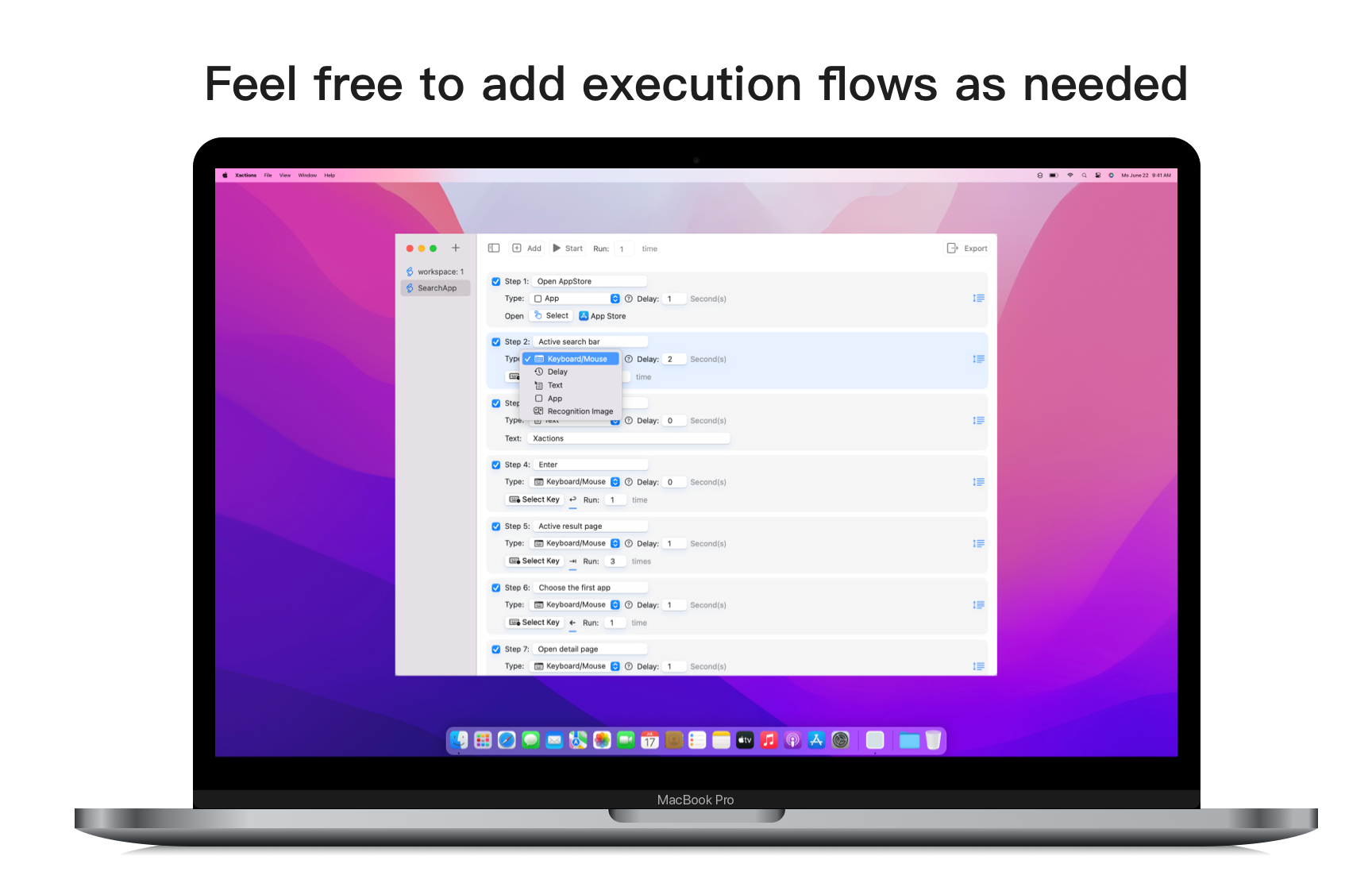
Simulate keyboard and mouse input on your behalf: single click, double click, long press, key combinations — so your hands don't have to
Vision-Based Image Recognition
Point Xactions at a screenshot of a UI element, and it will locate and interact with it automatically — no manual searching required
Assistive Text Entry
Drive text input into any field in any application, reducing the need for repeated manual typing
Common Input Settings
Keep commonly used clicks, key presses, text entry, and timing preferences together to reduce repeated manual work
Pacing and Wait Adjustment
Add waits and pacing adjustments so repetitive input runs in a steadier, more natural rhythm
Local Configuration Saving
Keep your input preferences and related settings saved locally for continued use